
Reciters (nauha khwan)
Live today Profile with every album and track, yearly pages, listener analytics, Book Me button on WhatsApp
Coming next Performance history and collaborations
Share one link that shows your complete work: every nauha, album and kalam, properly credited, with a way for organisers and collaborators to reach you. Free.
Live today Profile with every album and track, yearly pages, listener analytics, Book Me button on WhatsApp
Coming next Performance history and collaborations
Live today Poet credit on each nauha, poet pages, lyrics linked to the recitation
Coming next Full kalam portfolio and published works
Live today Audio credit on tracks and albums
Coming next Composer profile with compositions
Live today Audio and video credits on tracks and albums
Coming next Studio profile with facilities, projects and services
Live today Manager role to run many reciters’ profiles from one account
Coming next Production portfolio and team pages
Live today Anjuman page on Nauha Diary (members, original nohay, events, followers, booking) and majalis listings on Azadari Events
Coming next Find and contact reciters by city and occasion
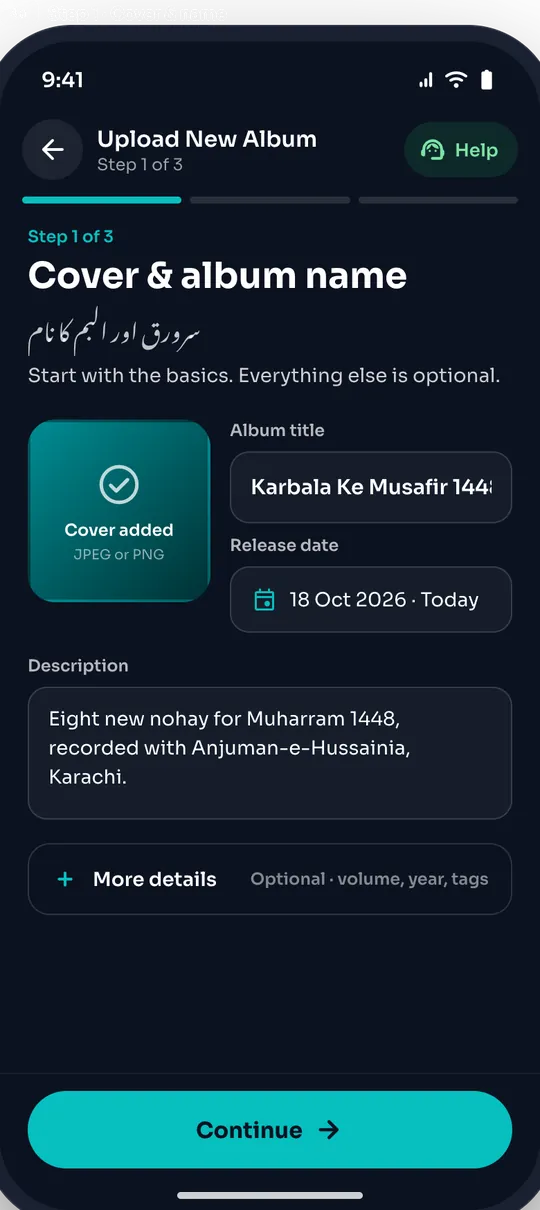
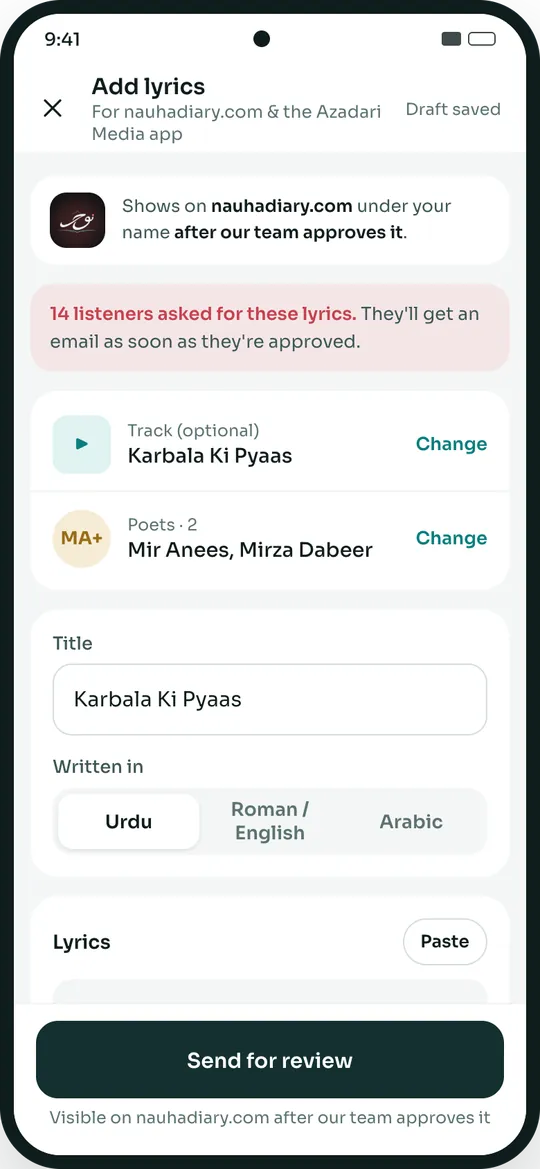
How a reciter publishes on Azadari Media. Free, and it takes a few minutes.
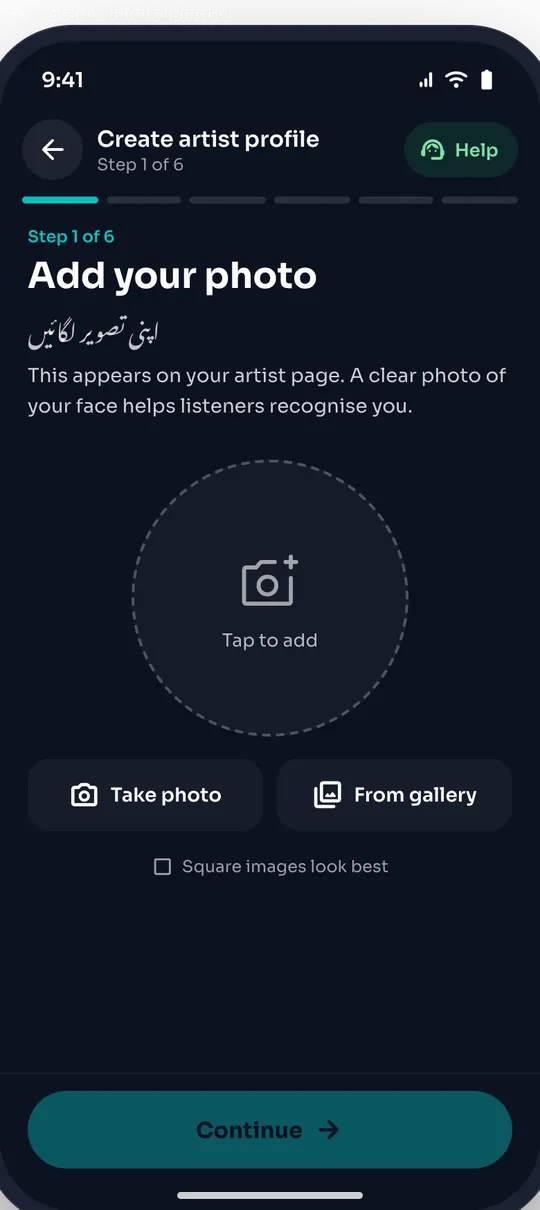
Find yourself, or add your name, photo and city.
Cover, album name and tracks, straight from your phone.
Urdu or Roman Urdu kalam, the poet, and who recorded it.
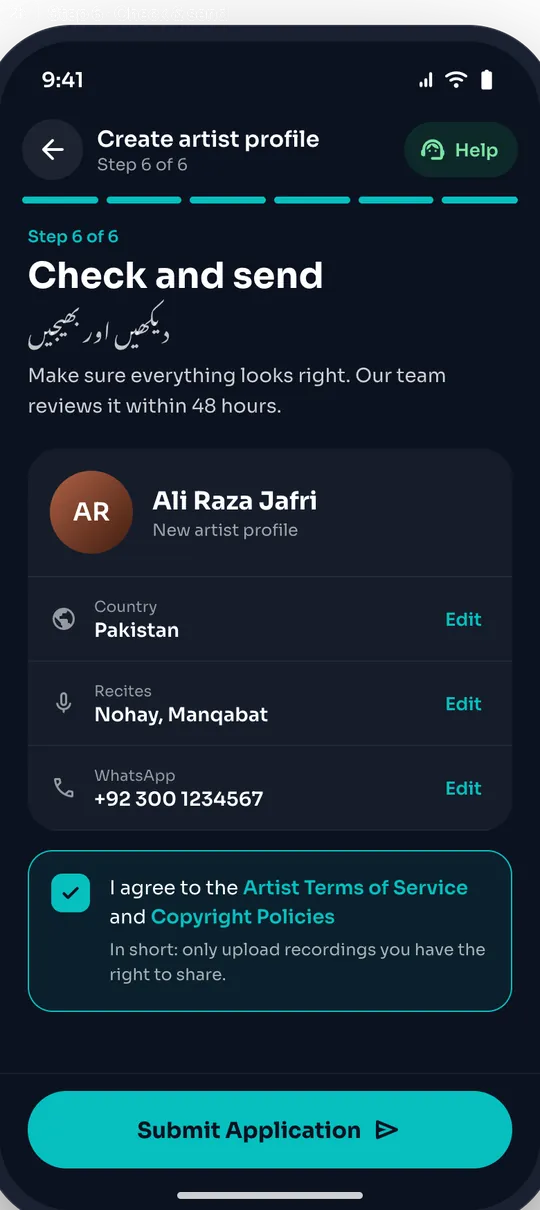
A quick review keeps names and credits right.
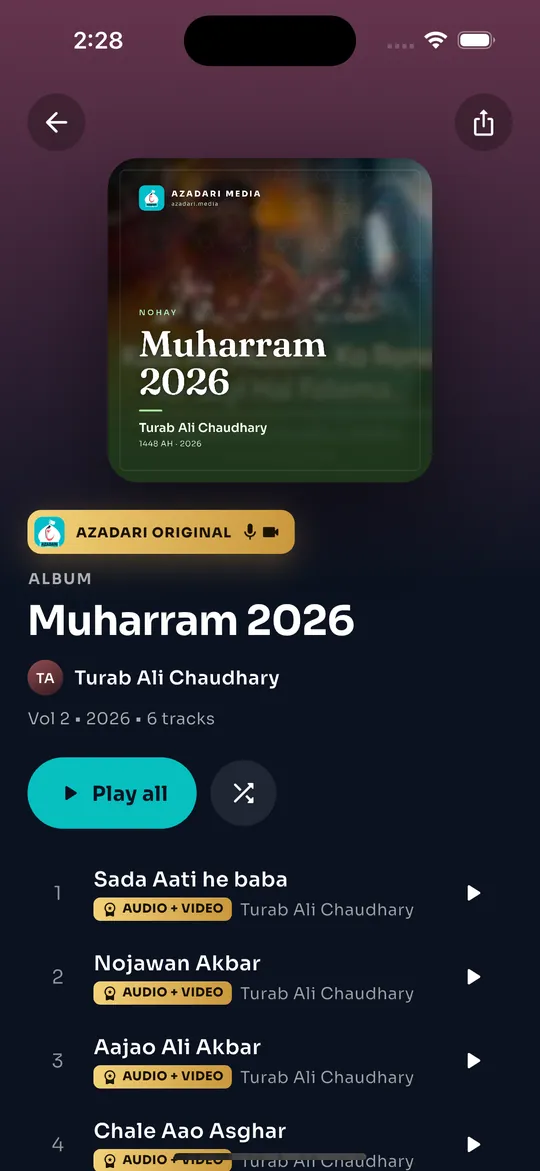
On azadari.media, the app, Android TV and Nauha Diary.
Each profile collects someone’s complete work and links it back to every nauha they touched. These are real pages, live today.
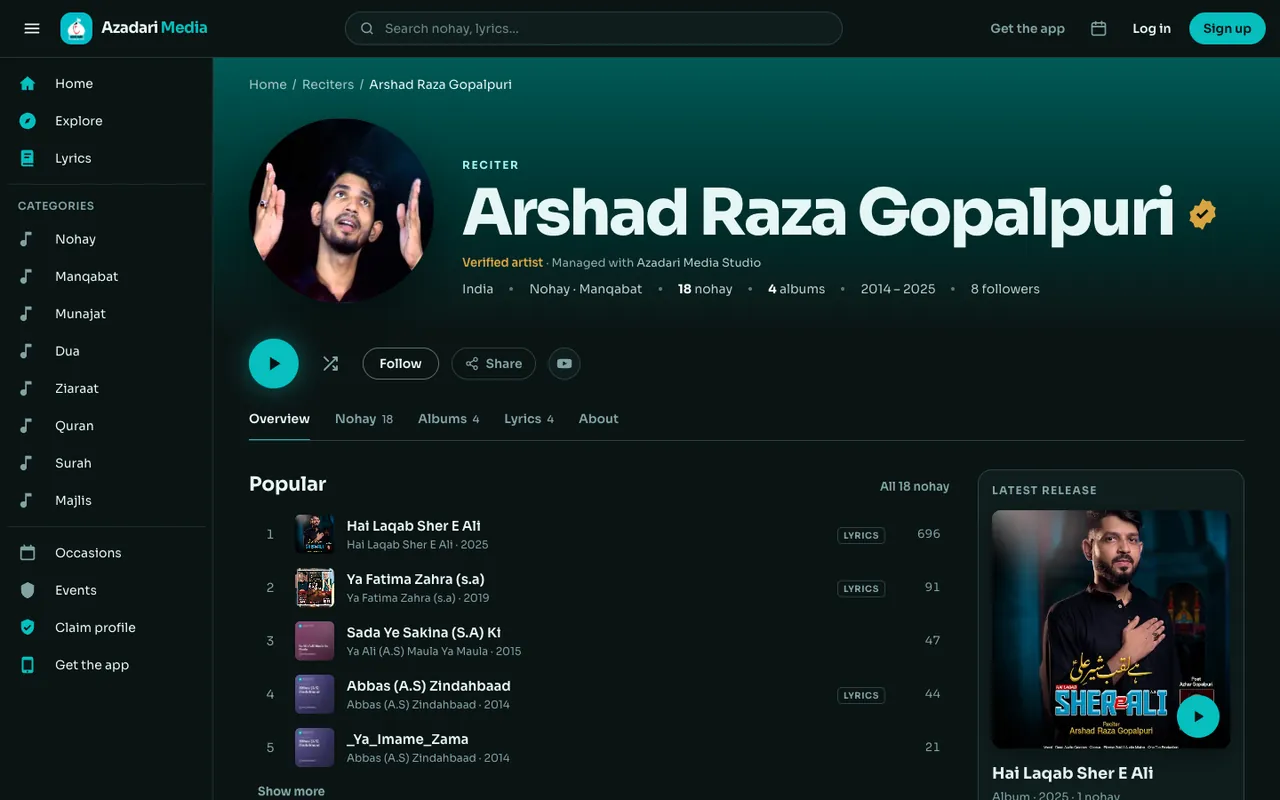
Every nauha and album in one place, by year, with followers, a verified badge and a Book Me button when the reciter turns it on.
See a real example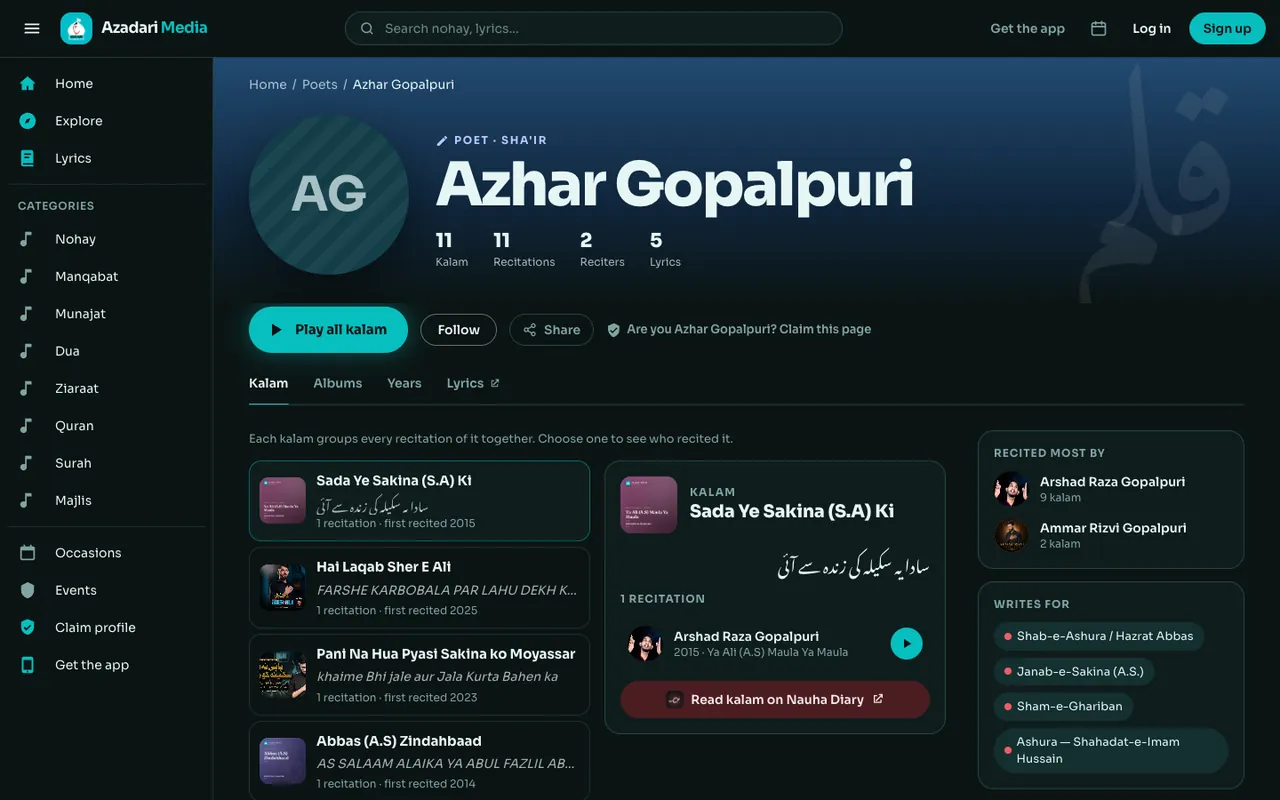
Each kalam groups every recitation of it, so a poet’s words stay credited however many reciters perform them.
See a real example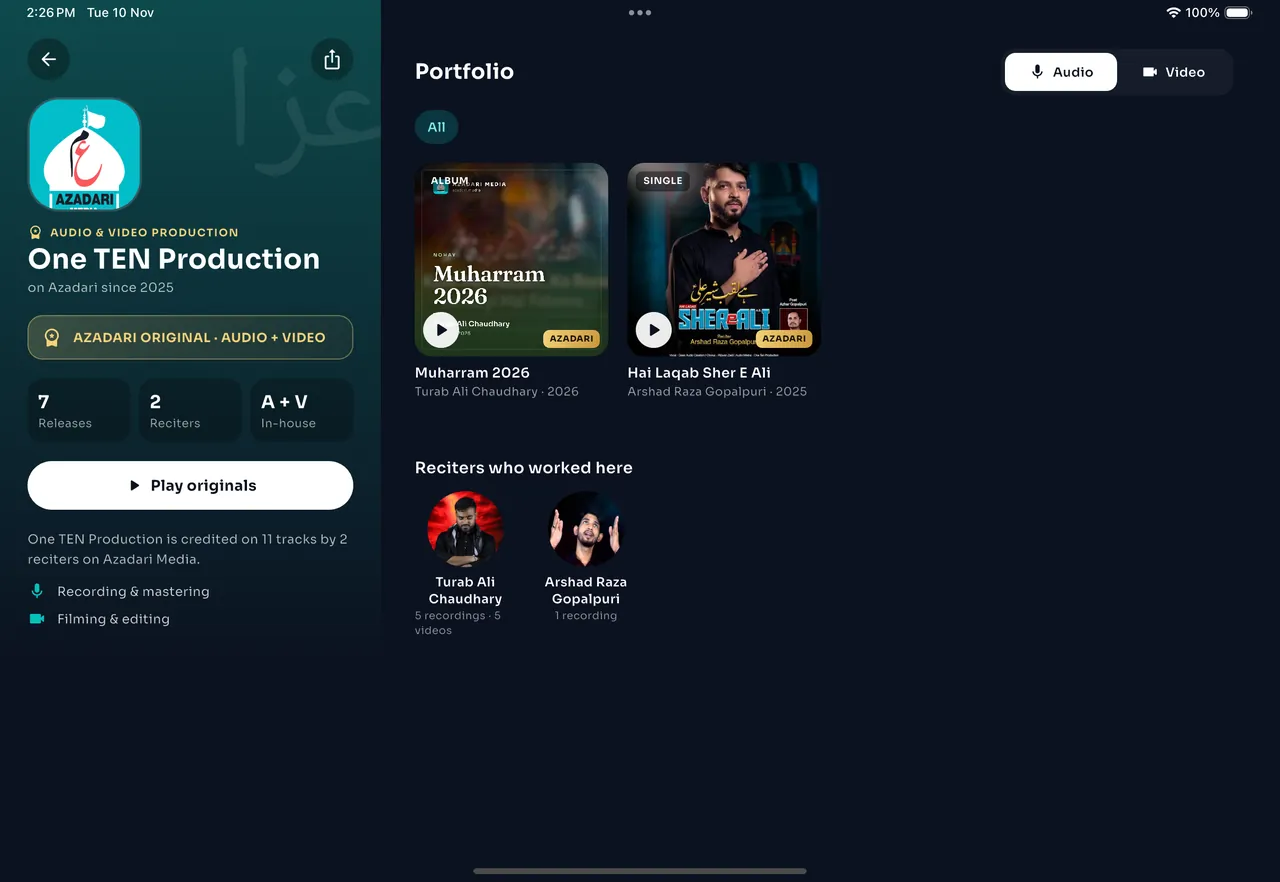
Recordings and videos they produced, and the reciters who worked with them, built from the credits on each track.
See a real example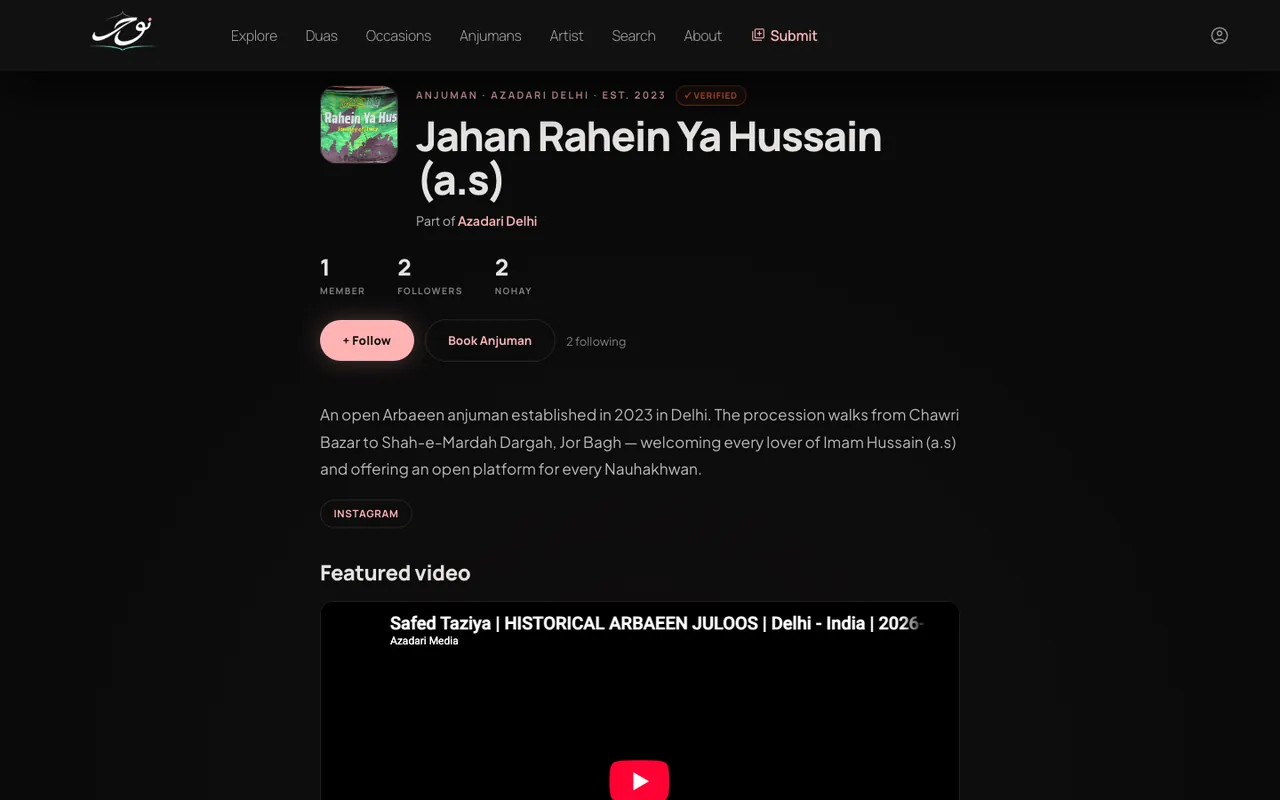
A page for your anjuman on Nauha Diary, grouped by city, with members, original nohay, events, followers and a Book button.
See a real exampleTracks in order with their credits, release year and cover. Azadari Originals carry their own badge.
See a real examplePublish your own releases, or import them from your YouTube channel.
Add Urdu lyrics, plus versions in other scripts or languages.
Credit the poet and the audio and video teams on each track and album.
Make clean album and track covers in a few clicks.
See plays and listeners, and get a monthly summary by email.
Turn on the Book Me button so organisers can reach you on WhatsApp.
 Sister site
Read, write and keep nauha lyrics. 4,200+ kalam in Urdu, Hindi and Roman Urdu, with poets, duas and anjumans. Every lyric links back to its recitation on Azadari Media.
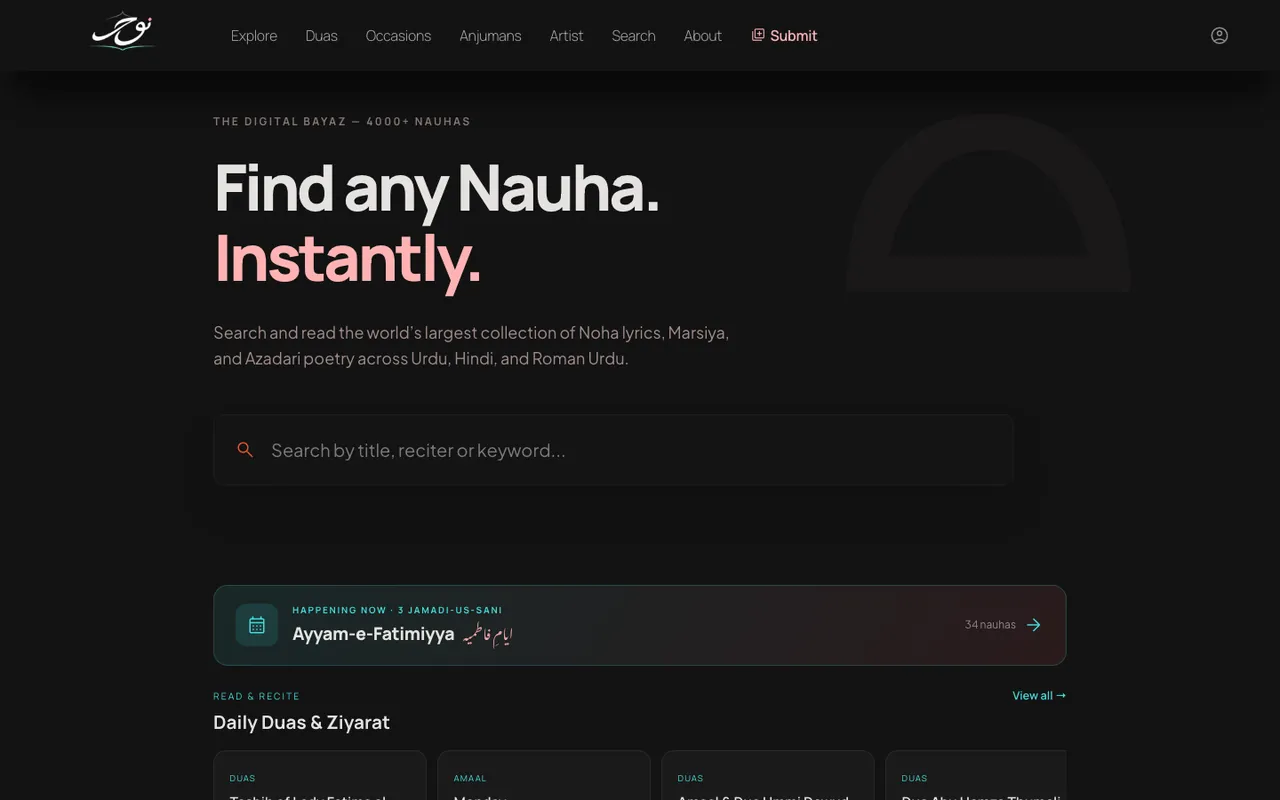
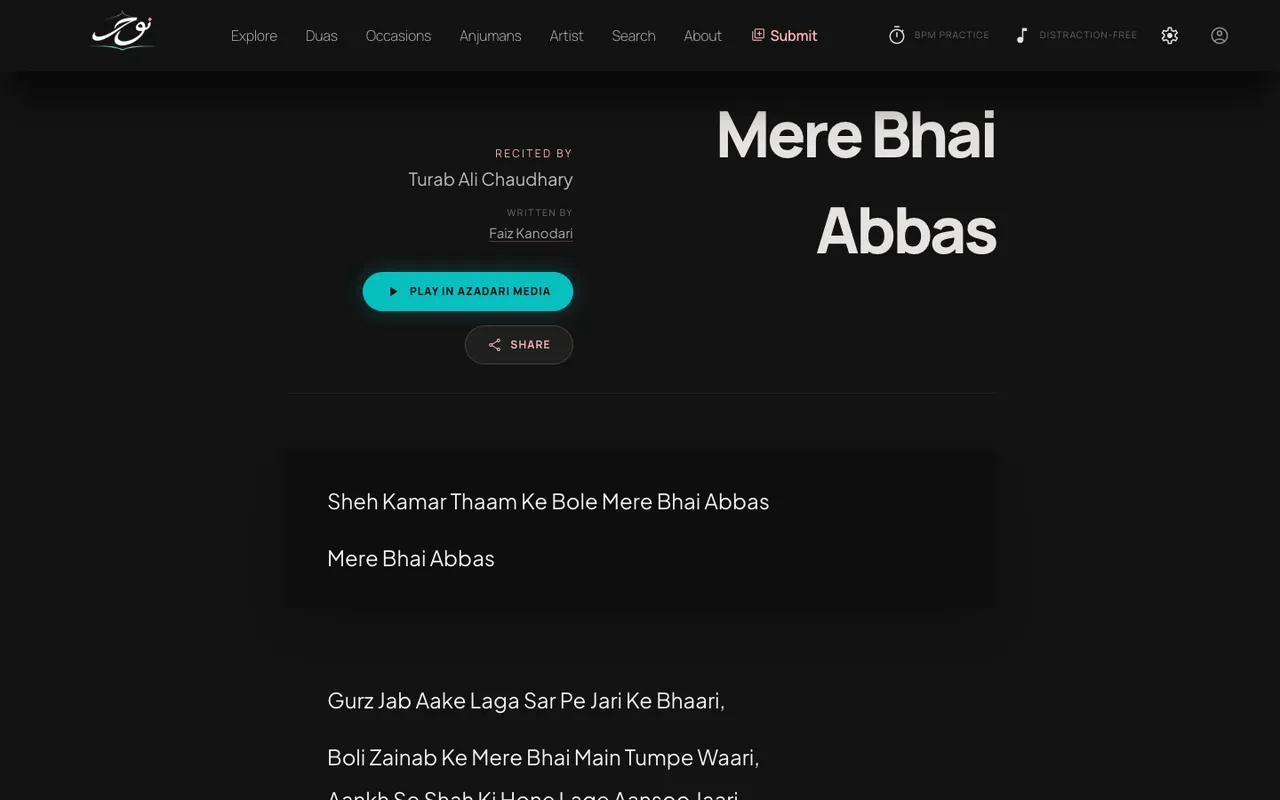
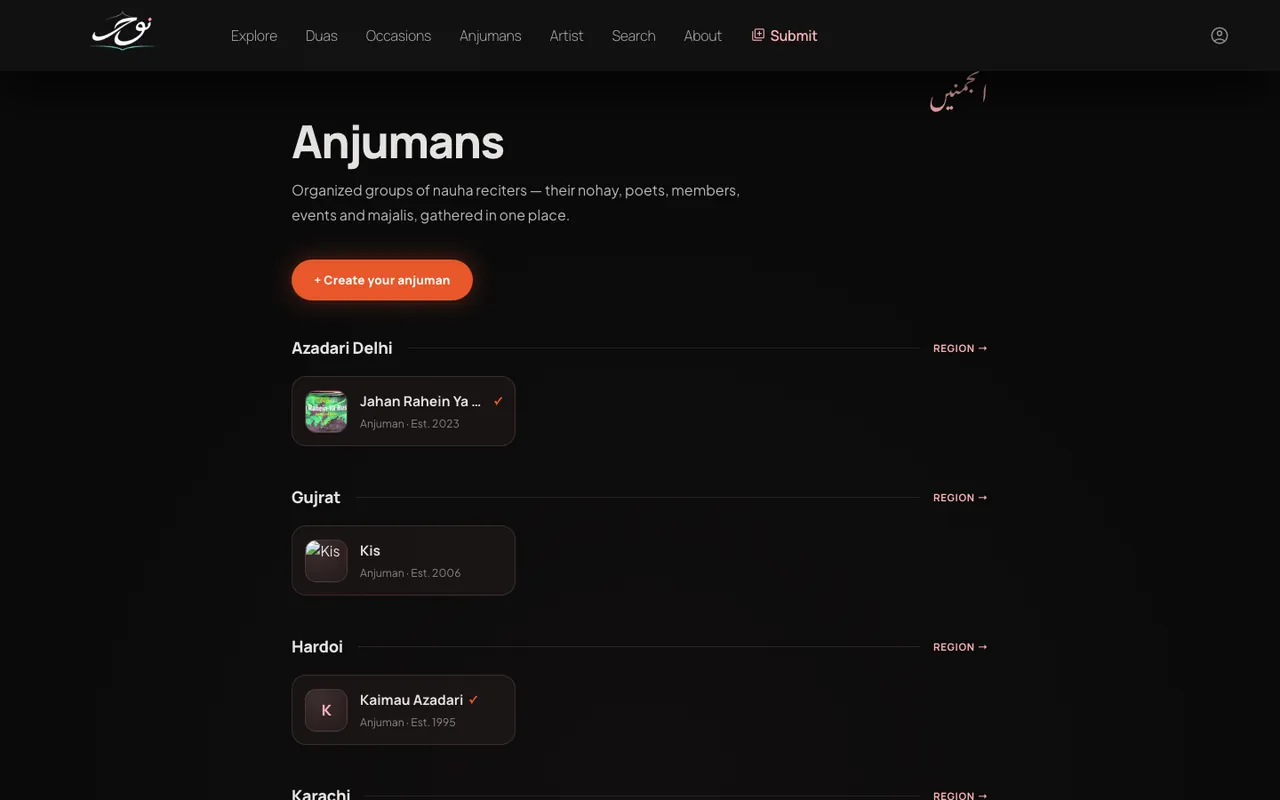
Create your anjuman’s page for free: add members, post your original nohay, list majalis and juloos, and let people follow you and book you on WhatsApp. Anjumans in the same city are grouped together, like Azadari Delhi.
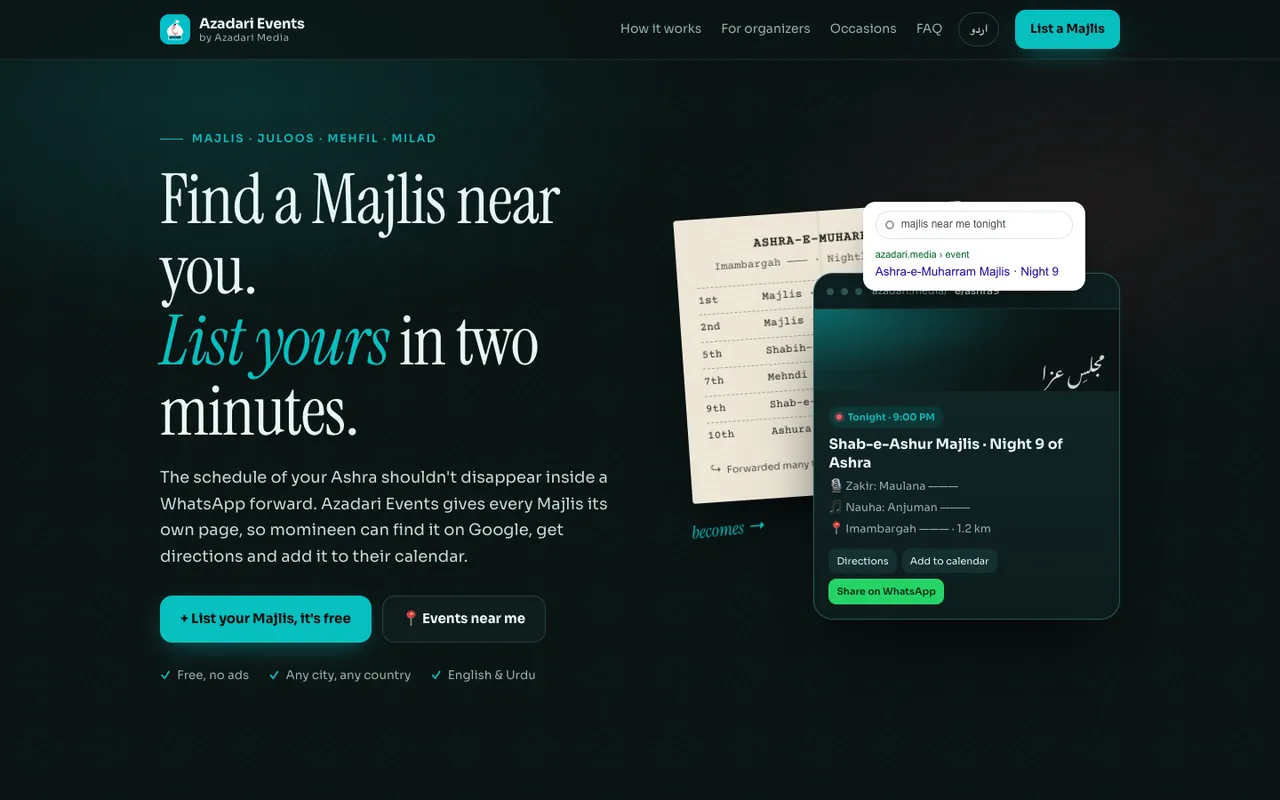
A majlis schedule shouldn’t disappear inside a WhatsApp forward. Azadari Events gives every majlis, juloos, mehfil and milad its own page, so momineen can find it on Google, get directions and add it to their calendar.
Use the free Creator Studio at studio.azadari.media or the Azadari Studio app for Android. If your nohay are already on Azadari Media, claim your profile; if not, create one. After a quick check by our team you can upload albums and tracks, add lyrics and credits, and see who is listening.
No. Profiles and the Creator Studio are free. Recording, nauha videos, release on other platforms and YouTube channel care are separate services from Azadari Media Production.
Keep them there. Azadari Media adds what those platforms don’t keep: one profile with your complete work, the poet’s credit, the lyrics next to the audio, the occasion, and a way for organisers to book you. Your profile becomes the one link you share.
Yes. Studios, labels and managers can apply for a manager role in the Creator Studio and run several reciters from one account.
Yes, free, on Nauha Diary: nauhadiary.com/anjuman/new. Add members, post your original nohay, list your majalis and juloos, and let people follow you and book you on WhatsApp. Anjumans in the same city are grouped on a city page, such as Azadari Delhi.
Use Azadari Events (event.azadari.media), free. Every majlis, juloos, mehfil or milad gets its own page with the map, timings, speakers and reciters, and a short link to share on WhatsApp. Listeners find upcoming events near them at azadari.media/events/near-me.
Write to info@azadari.media with the link to the page. Reciters who claim their profile can fix most details themselves in the Creator Studio.
4,800+ nohay, free, no account needed.